01
Camera auto-configuration
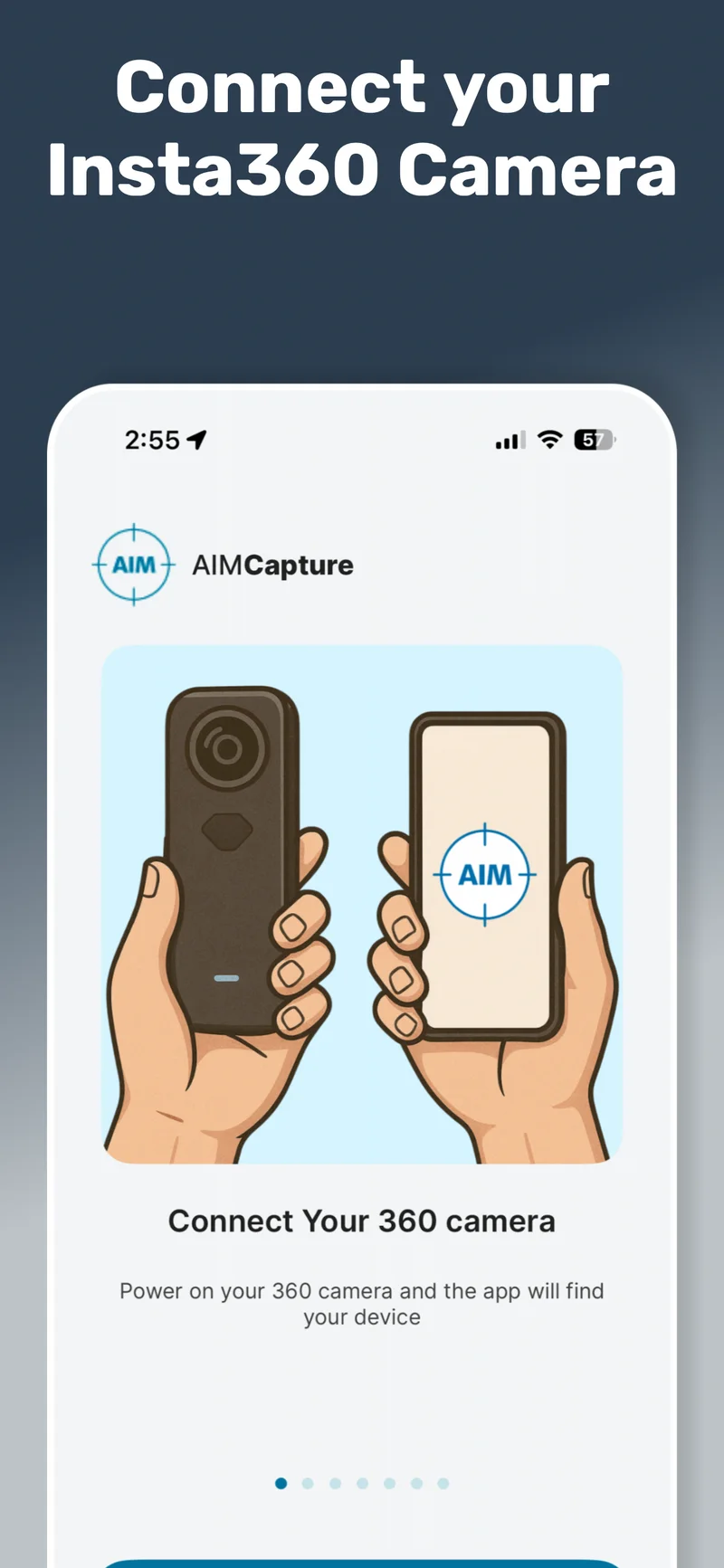
AIM Capture connects to the Insta360 and pushes optimised settings: resolution, ISO, exposure, HDR, stabilisation, and a 0.5-second timelapse interval. Every surveyor produces the same standard of data.
Capture once. Access forever. From anywhere.
One walkthrough creates a complete 360° digital model. Every team, every workflow, every future project scopes from the same record. No specialist skills, no complicated equipment.
A quick overview of how the app works. Walk through a property with a 360 camera, and AIM turns your footage into a navigable, measurable digital record. No specialist skills, no complicated equipment.
This is a feature overview, not the full platform demo. Watch the full demo here →
Connect your Insta360 camera, walk the site, and the app handles everything else. Camera settings, room tagging, and cloud upload are all automatic.
Your team gets a smart checklist for every visit, so nothing gets missed. Once the walkthrough is done, the data goes straight to the AIM Platform, allocated to the right site, project, and client.
From a single dwelling to a multi-storey campus. If your team needs a condition record, a measurable model, or a shared source of truth, one capture is all it takes.
Voids, damp, retrofit, stock condition
Fit-outs, dilapidations, asset tracking
Progress records, as-built, snagging
Condition surveys, CDC, capital planning
NHS trusts, compliance, maintenance
Plant, logistics, space planning
Multi-site portfolios, brand standards
Listed buildings, civic estate, museums
See how one walkthrough creates a digital model the whole team can use.
A single AIM capture creates a measurable, navigable digital model of any site. From that model, every team extracts what they need, without booking another visit.
Inspect remotely from the digital model. Tag defects to their exact location without going back.
Timestamped 360° evidence, geo-located in the model. Every record is tied to its real-world position.
Take accurate measurements from the digital model. Walls, windows, rooms, elevations, all without being on site.
Scope jobs before committing resources. Every team plans from the same record, no separate visits.
Capture at regular intervals and build a visual timeline. Evidence milestones, track change, resolve disputes.
Timestamped record of condition at key handover points: pre-works, sign-off, inspections, tenancy changes.
360° records support risk assessments, compliance audits, and regulatory documentation across any sector.
Share the digital model with any team, contractor, or client. Everyone works from the same source of truth.
Every workflow starts with the same walkthrough. See it in action.
Extend the 360° camera on the carbon pole and you’re up at gutter and roof height in seconds. No CAA licence, no qualified pilot, no weather window. Works on any building type.
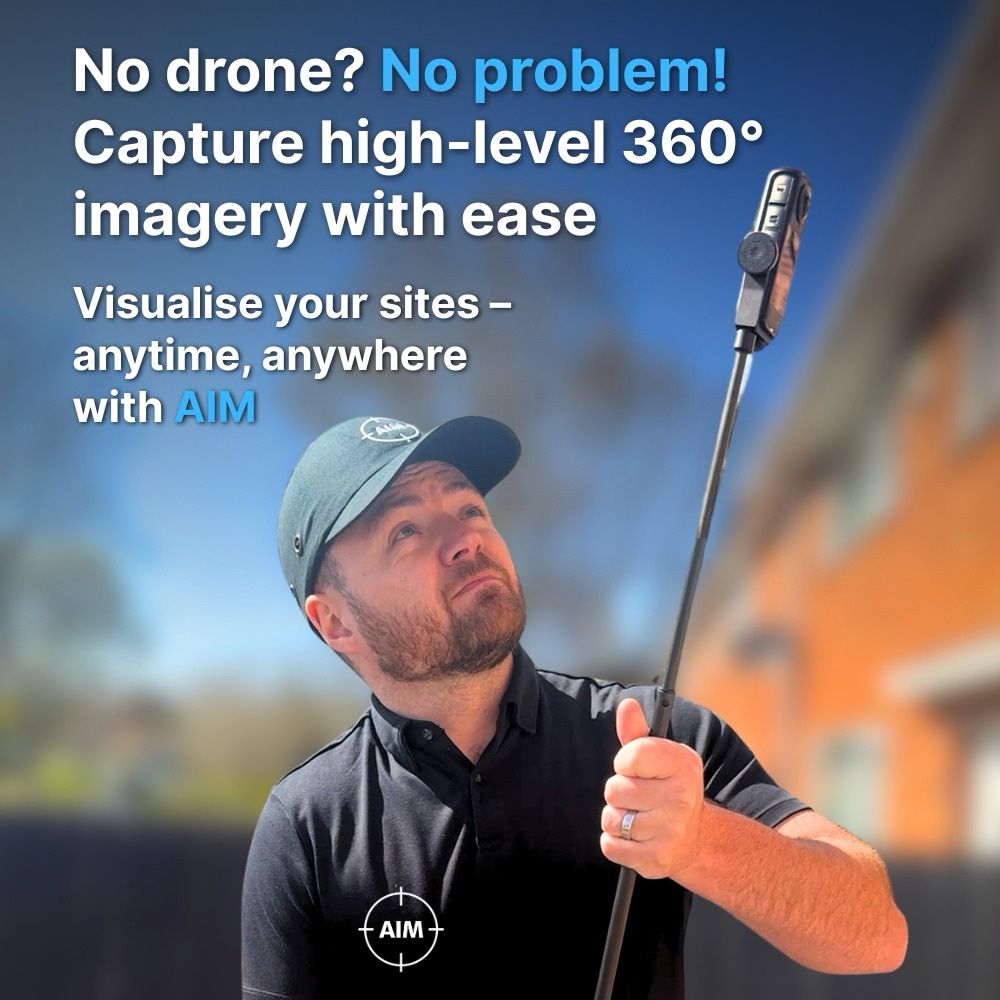
See the carbon pole and bump cap in action on a real property.
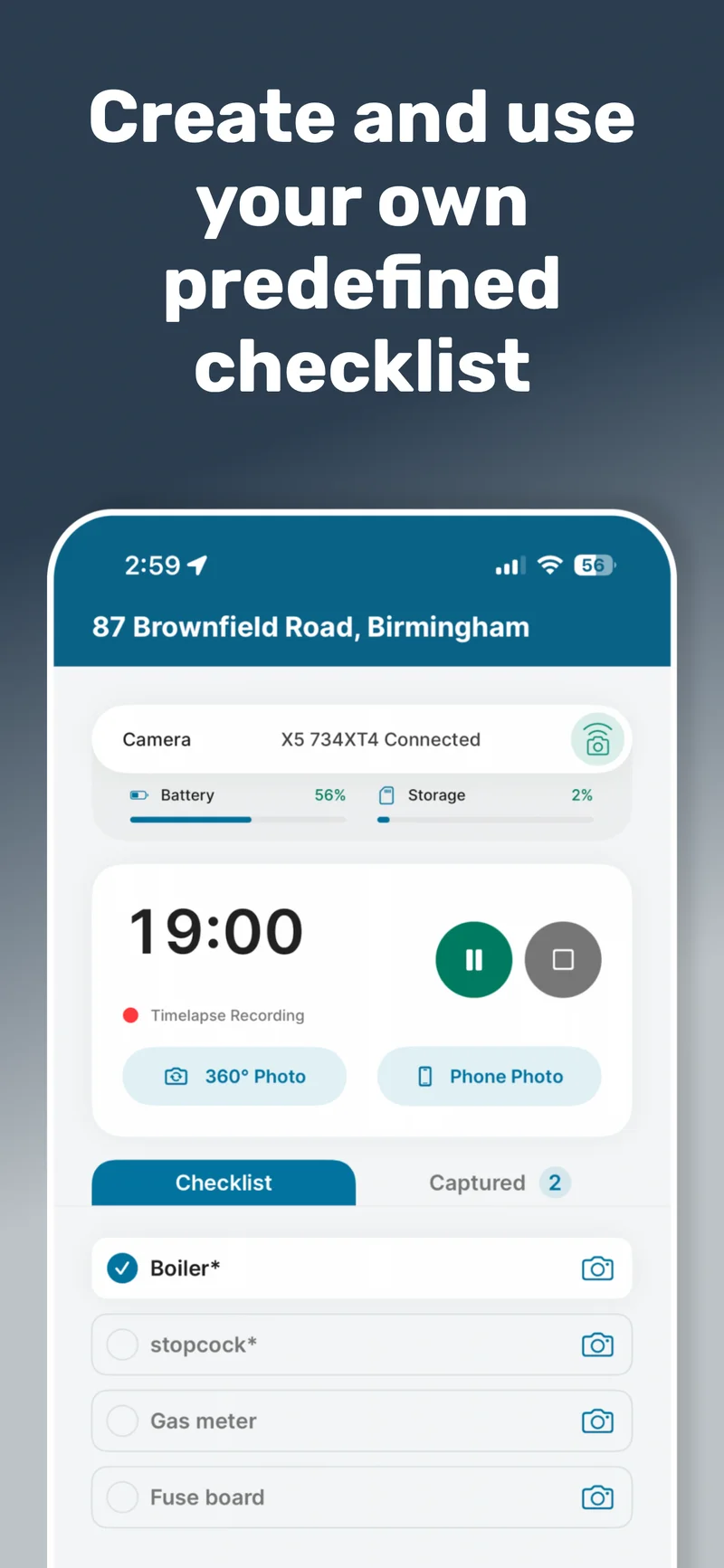
Walk the site once with our lightweight 360° system. No specialist training required.
Grab 360° or mobile phone photos as you go, each tagged to its exact location in the model.
Send your digital survey straight to the cloud. Mobile data or Wi-Fi, your call. Done.
Your entire team can explore, measure and annotate remotely. No repeat visits needed.
Four steps on site. Then the data works for every team, from anywhere.
AIM Capture collects everything in a single visit. The 360° timelapse builds the digital model. HD photos, phone images, and voice notes add the detail your team needs to work remotely.
A new 360° image every 0.5 seconds as you walk. Dense, continuous coverage that the AIM Platform reconstructs into a precise digital model.
Automatic72MP HDR stills linked to room names or custom labels. Deep detail for texture accuracy, compliance evidence, and close inspection work.
On demandGrab close-ups with your phone for serial numbers, defects, assets, or condition evidence. Each photo auto-assigned to its position in the model.
Tagged as POIFast dictation of context, observations, or instructions. Stored and linked to the exact POI location for your office team to review.
Tagged as POIPoints of Interest let you record exactly what you found on site and where. Every POI is automatically placed inside the digital model, giving remote teams the same clarity as the surveyor who stood in the room.
The first photo taken for a POI positions it inside the 3D model automatically. AIM syncs all POIs, aligns them with the 360° imagery, and places them so teams see the full spatial context.
Create your own POI types within the AIM Platform. Asbestos, fire safety, damp, electrical, accessibility, or anything your workflow requires. Consistent classification across every surveyor.
Attach phone photos, HD 360° stills, and voice notes to the same POI. Add a title, notes, or voice-to-text commentary. Everything structured and ready for reporting.
POIs aren’t limited to what you capture on site. Once the digital model is built, any team member can add new POIs directly in the AIM Platform, tagging issues, assets, or observations after the visit.
The possibilities are endless. How will you use them?
AIM Capture was designed for real survey conditions. Poor signal, tight schedules, varied site types. These features exist because we’ve hit the same problems on site.
Create checklists at client, project, or site level in the AIM Platform. They sync automatically into the app.
Tap a checklist item and AIM opens the correct capture workflow with the POI type pre-selected. No misfiling, no missed evidence, consistent output across every surveyor.
Select or create sites, run captures, take HD photos, record POIs and voice notes, complete checklists. Everything works with zero signal.
If a site is missing, create a temporary offline entry and link it when you’re back online. Camera communication uses local Wi-Fi, so no mobile data is needed for capture.
Sites sort by GPS proximity, showing the nearest first. If you select a site more than 250m away, AIM warns you before you start, preventing accidental uploads to the wrong project.
Override for large estates, rural boundaries, or multi-building sites. Recent and assigned sites are always available for quick access.
Choose mobile data or Wi-Fi upload. Uploads pause and resume automatically with connectivity. The camera SD card keeps a backup until cleared.
Auto-cleanup removes local files on your schedule (3 days, 7 days, or manual). Phones never fill up. Surveyors never lose data.
Your surveyors open an app that looks like it belongs to your organisation. Your logo on the home screen, your colours throughout the interface, your checklists ready to go. Every capture session feels consistent with the rest of your tools.
Match your brand palette across the app interface. Navigation, buttons, and status indicators all carry your identity. Set once on the platform, pushed automatically to every device.
Your organisation's logo appears on the app home screen and throughout the capture workflow. Surveyors, contractors, and subcontractors all see a professional, branded experience from the moment they open the app.
Build checklists tailored to your capture needs, whether that is stock condition, retrofit, void inspection, or compliance. Create them on the platform; they sync straight to the app, ready for every visit.
AIM Capture automates the technical side of data collection so surveyors focus on walking the site. The app controls the camera, manages files, syncs data, and optimises every image for digital model creation.
AIM Capture connects to the Insta360 and pushes optimised settings: resolution, ISO, exposure, HDR, stabilisation, and a 0.5-second timelapse interval. Every surveyor produces the same standard of data.
The camera captures continuously as you move. Tag rooms, take HD photos and phone close-ups, record voice notes, complete checklists. All captured data is spatially linked.
Files transfer wirelessly from camera to phone. Upload via mobile data or Wi-Fi. The camera SD card keeps a backup. Uploads pause and resume automatically with connectivity.
Cloud processing reconstructs your walkthrough into a navigable, measurable digital model. POIs auto-populate inside the model. Every team accesses the same source of truth from the AIM Platform.
The kit ships ready to use. Your team is hands-free within minutes, no workshop, no complicated setup. Simple training and ongoing support included.
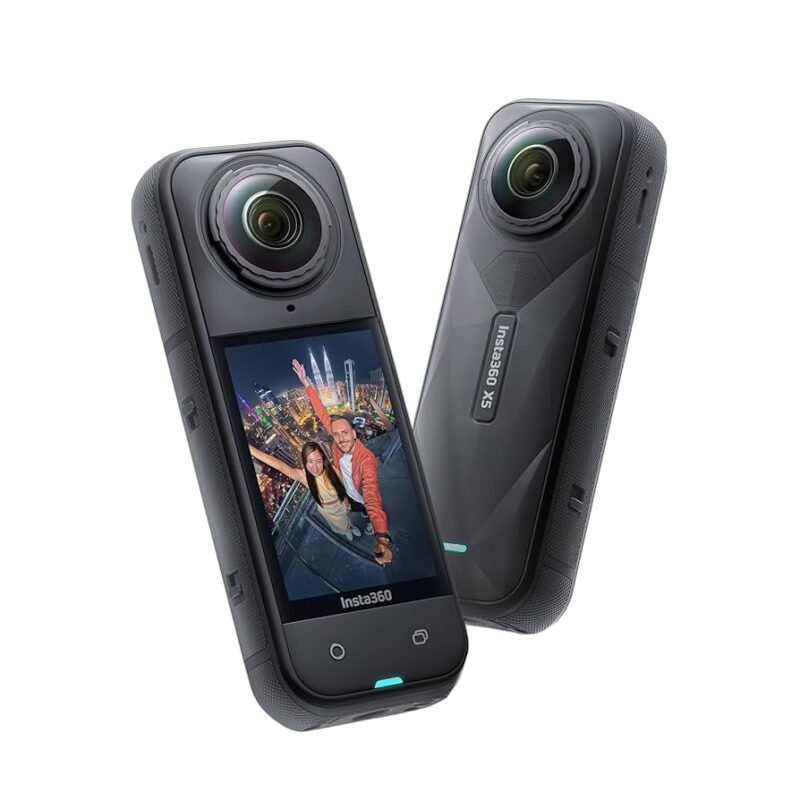
Dual 1/1.28″ sensors for full 360° capture. HDR for low-light rooms.
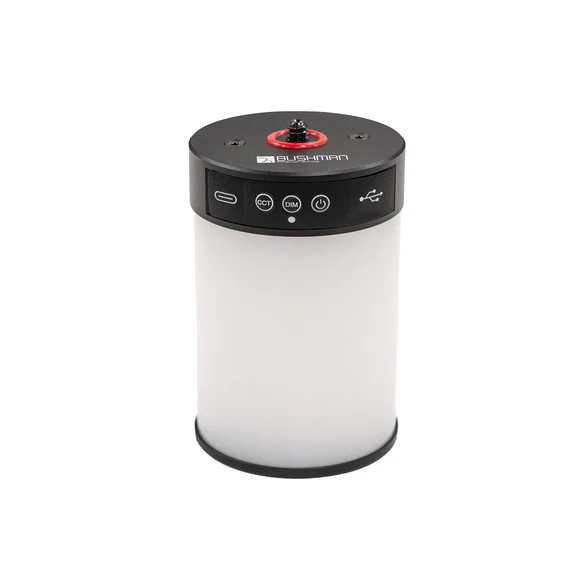
Ring light for voids and poorly lit properties. Clips straight to the rig.
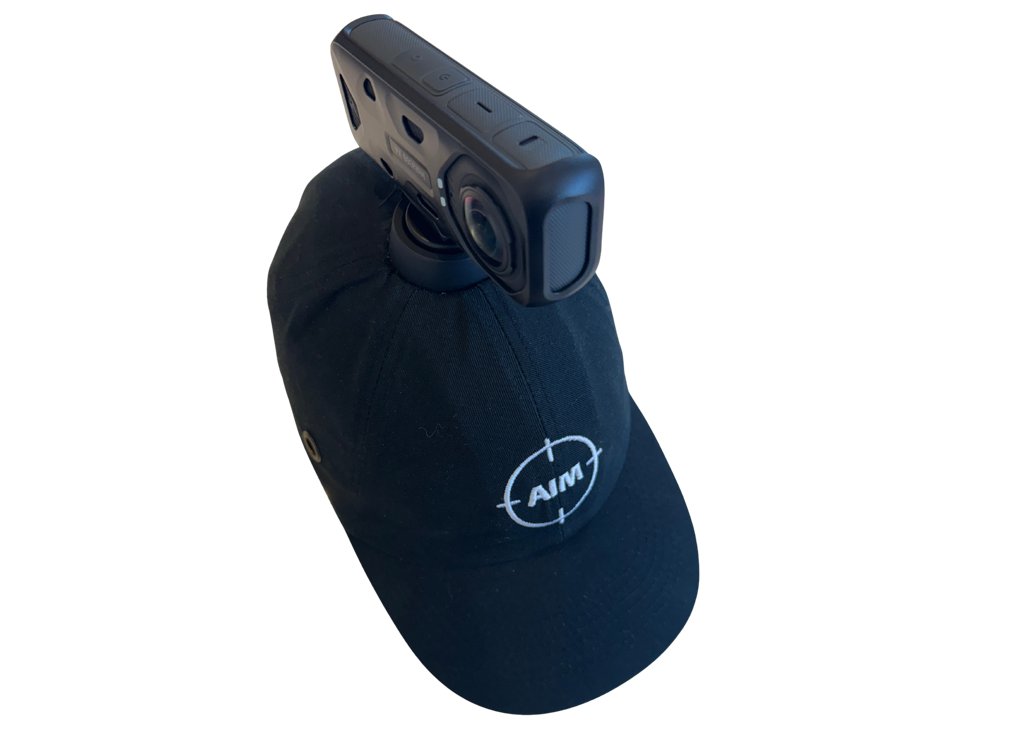
Hard hat with a magnetic mount arm. Hands-free capture as you walk.
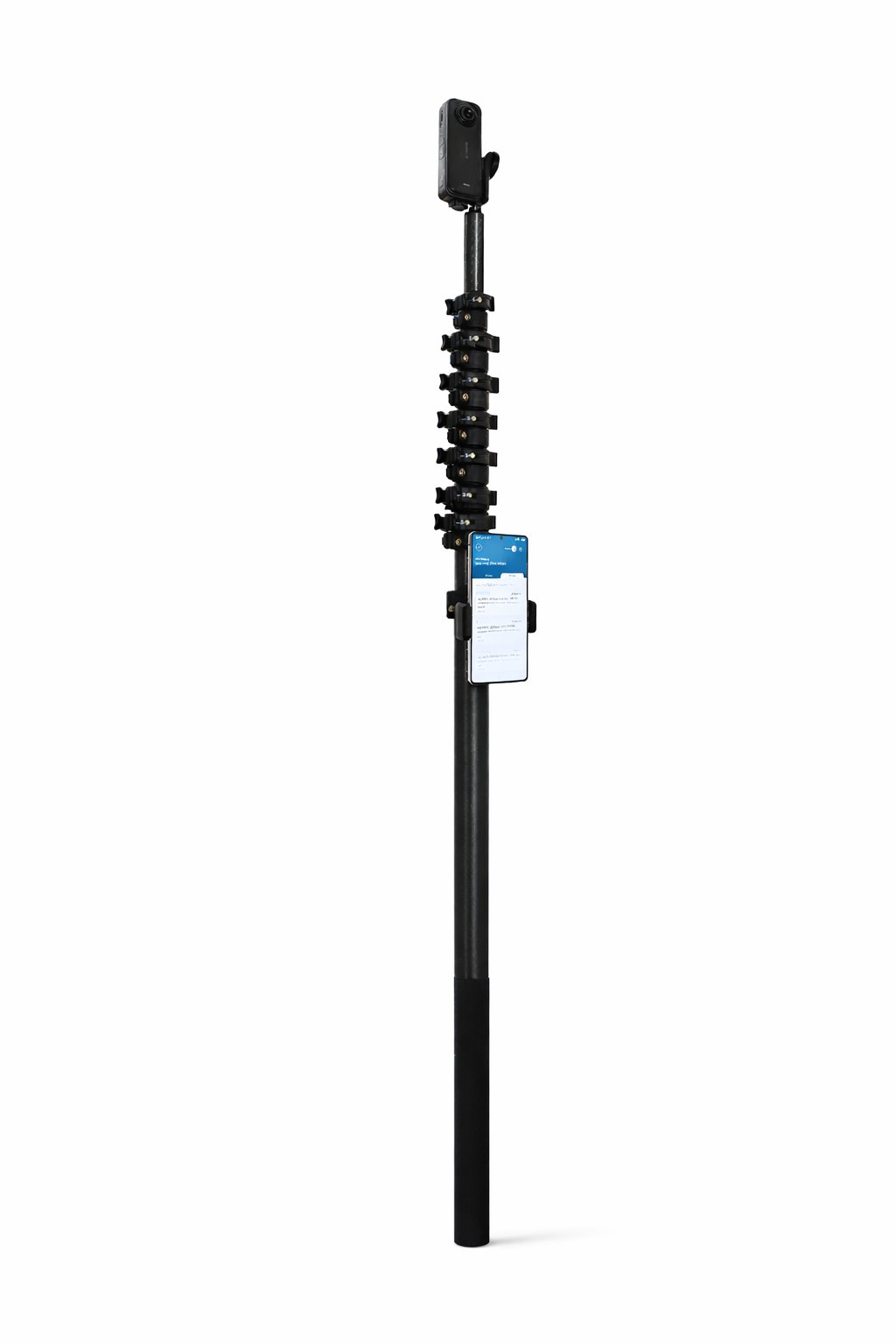
Lightweight extension pole for roof lines, high ceilings, and external elevations.
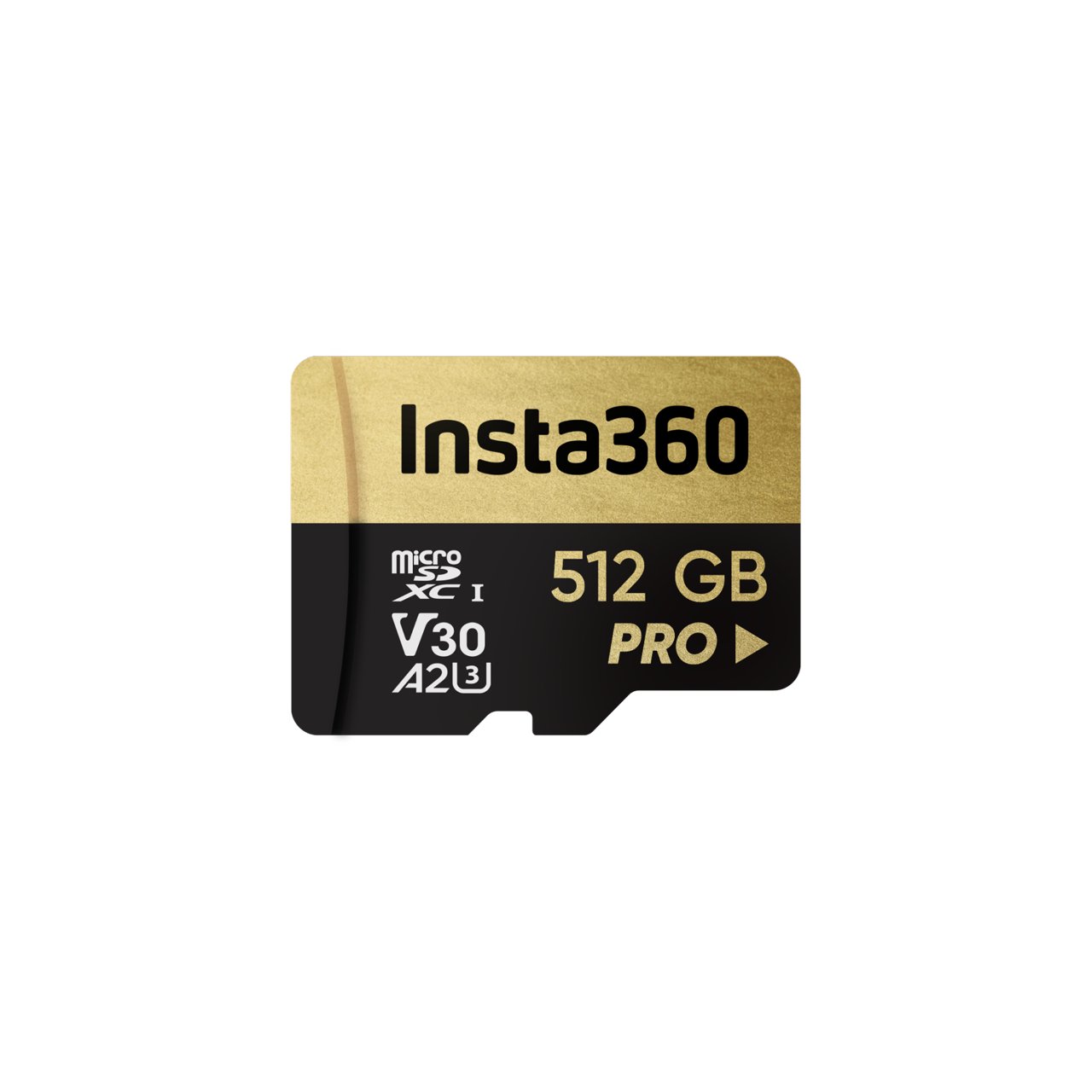
High-speed microSD sized for a full day of walkthroughs.


We'll walk you through a live site capture, show you the digital model, and let you measure it yourself. No pressure, just proof.
Product releases, feature updates, and sector news. No spam, just the stuff that matters.